Graphics 3D Control
Graphics3DControl allows you to display one or more interactive 3D models in a window in your Avalonia UI application. The control's rendering engine is powered by the Vulkan API v1.1.
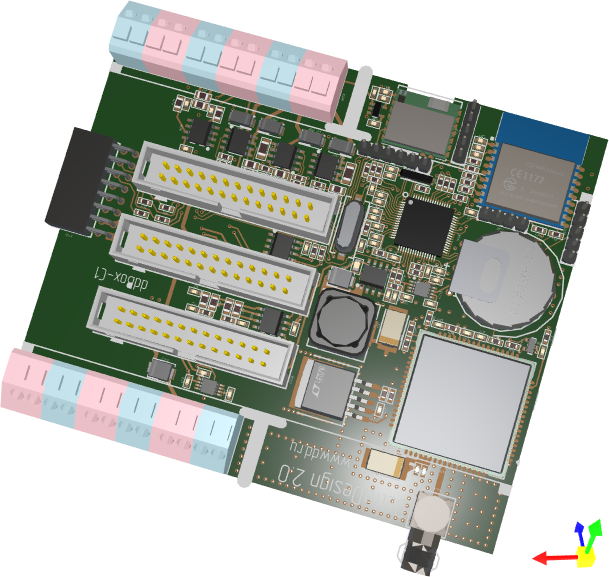
The control supports user interaction with the models, allowing users to rotate, pan, and zoom using mouse and keyboard actions.
To specify 3D models for the Graphics3DControl, use the control's API. This API includes classes and members to define vertices, meshes, materials (in PBR format), camera settings, model transformations, etc.
The control's main features include:
- Built on Vulkan SDK 1.1. See System Requirements.
- GPU accelerated rendering with the Vulkan SDK
- Own API to specify 3D models
- Simple materials
- Textured materials in PBR format
- Displaying multiple 3D models simultaneously
- Perspective and isometric camera modes
- Model rotation, panning and zooming with the mouse and keyboard at runtime
- Selection and highlight of model elements.
- Displaying hints for model elements.
- Model transformations
- MVVM pattern support for specifying 3D models
Paint Theme for the Graphics3DControl
Starting with v1.3 of the EMX Controls library, you must register the Controls3D paint theme in the App.xaml file to use the Graphics3DControl. This theme contains common appearance settings required to render the control correctly. See the following topic for more information:
Note
If the Controls3D paint theme is not registered, the Graphics3DControl will appear blank.
Demo
The following demo application contains examples that demonstrate the capabilities of the Graphics3DControl component: