Project and Project Item Templates
The Eremex.Avalonia.Templates NuGet package contains templates that allow you to quickly create new Avalonia UI projects using the Eremex Controls library, and to add Eremex-based windows to your existing projects.
Install the Eremex Avalonia Templates
Run the following command:
dotnet new install Eremex.Avalonia.Templates
Update the Eremex Avalonia Templates
To update to the latest version, run the template installation command:
dotnet new install Eremex.Avalonia.Templates
Included Project Templates
All project templates listed below add the required Eremex NuGet packages to the created projects, derive the main window from MxWindow for theme support, and register the DeltaDesign paint theme.
Eremex Avalonia .NET App
An empty desktop application with Eremex NuGet packages.
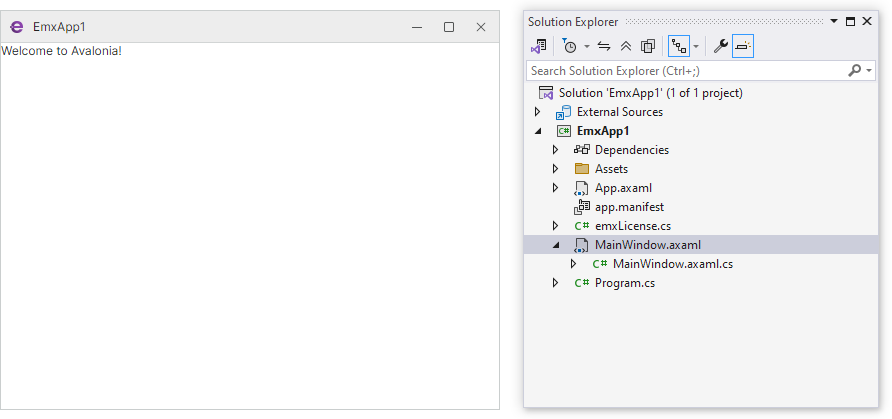
Short Name: emx.app
Create Project Command:
dotnet new emx.app -n AvaloniaApplication1
Eremex Avalonia .NET MVVM App
An empty MVVM-based application that separates UI and business logic into View and ViewModel layers.
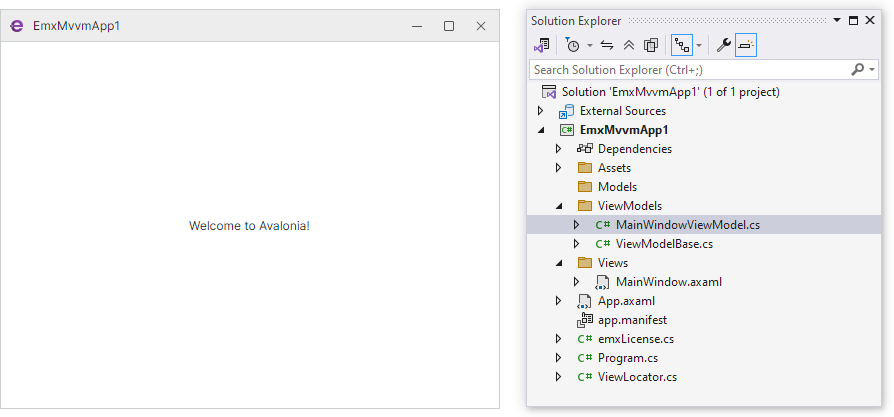
Short Name: emx.mvvm
Create Project Command:
dotnet new emx.mvvm -n AvaloniaApplication1
This application template creates an MVVM-aware Avalonia UI project that references the Eremex Controls library. The template separates the code into the View (MainWindow) and ViewModel (MainWindowViewModel) layers.
Eremex Avalonia .NET App with Application Services
An MVVM application that provides ViewModels with service-based access to dialogs, file pickers, and visual theme management.
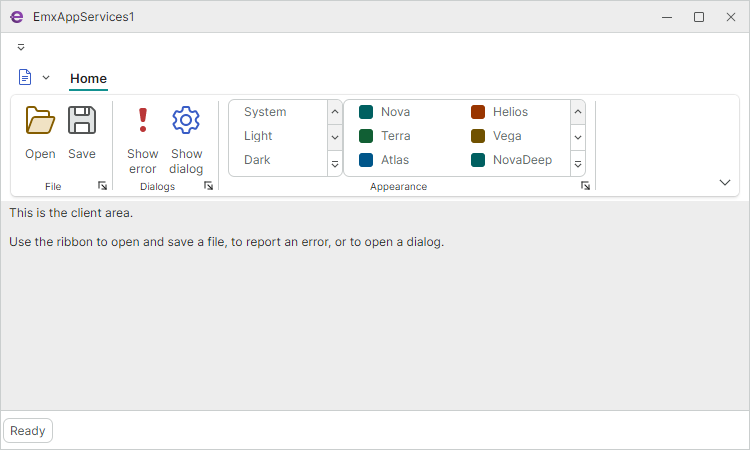
Short Name: emx.services
Create Project Command:
dotnet new emx.services -n AvaloniaApplication1
This template creates an MVVM application that uses Eremex services injected into a View Model to:
- Invoke Open/Save file dialogs
- Show a custom dialog
- Display message boxes
- Provide a theme selector in a Ribbon UI
Eremex Avalonia .NET MDI App
An application with a tabbed multiple-document (MDI) layout built on the Docking library.
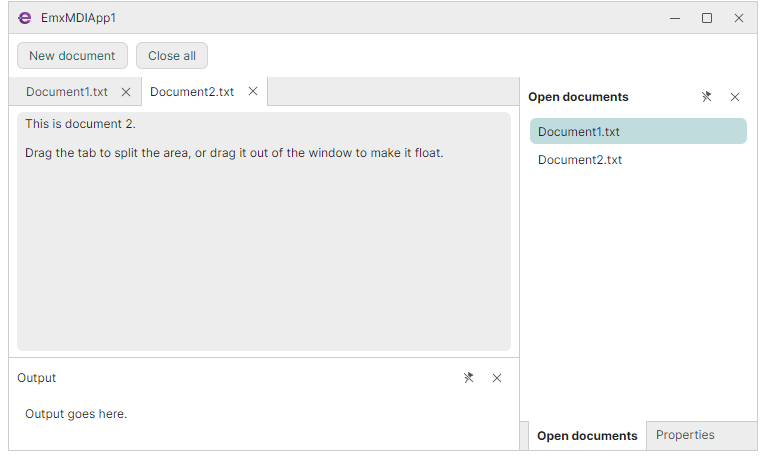
Short Name: emx.mdi
Create Project Command:
dotnet new emx.mdi -n AvaloniaApplication1
This template creates an MVVM application with the DockManager component to implement:
- Tabbed multiple document interface (MDI)
- Document creation and closing from the ViewModel
Included Project Item Templates
Eremex Avalonia Window
An empty MxWindow (a window that supports Eremex visual themes).
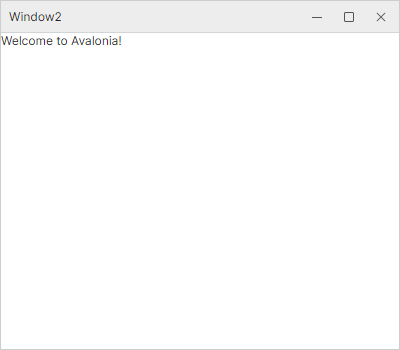
Short Name: emx.window
Create Project Item Command:
dotnet new emx.window -n Window2
This project item template creates a new MxWindow-based Avalonia window. The template only creates two files that define the window: Window.axaml and Window.axaml.cs.